About Computer Compatible Microscope
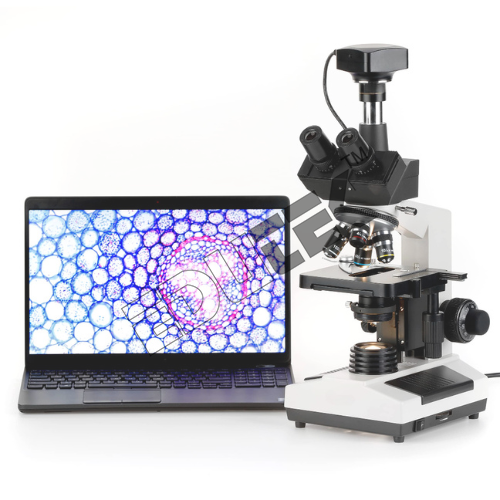
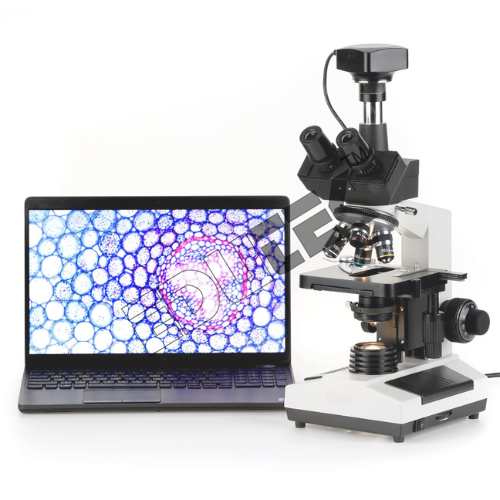
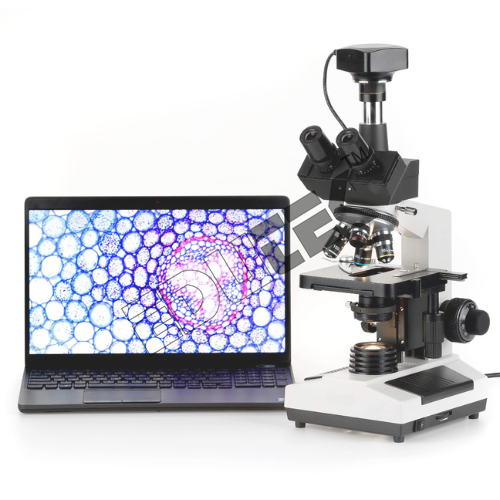
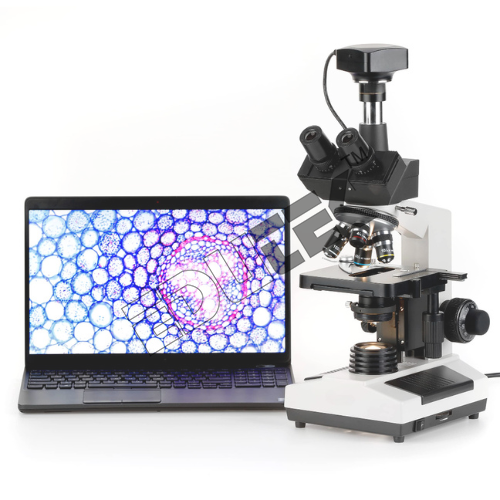
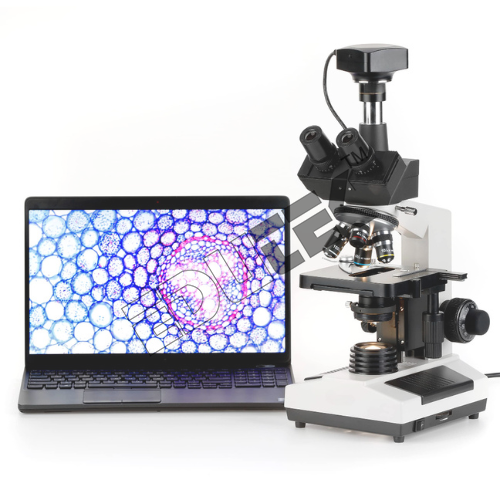
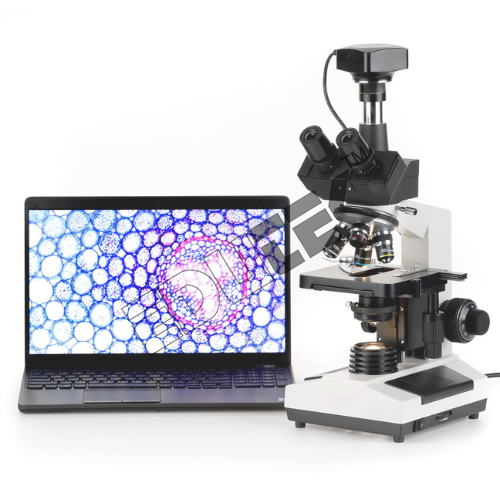
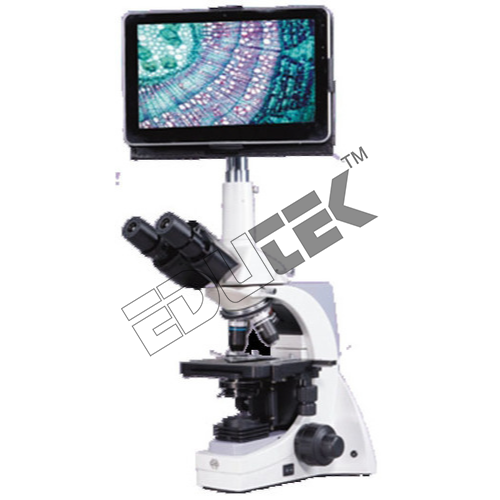
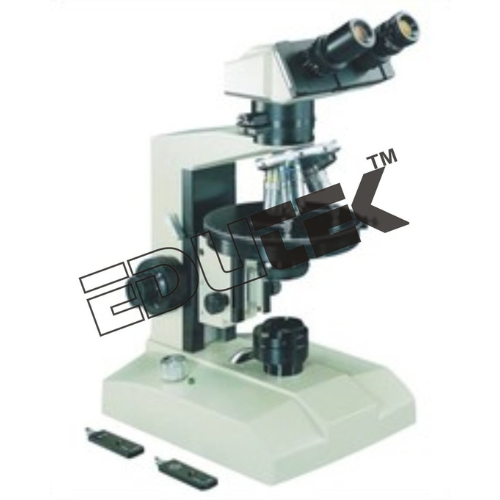
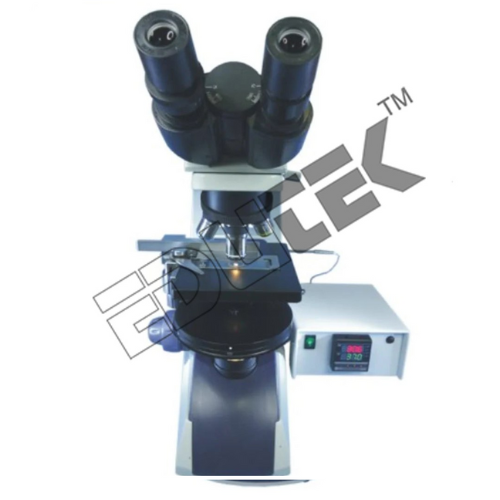
Computer Compatible Microscope ETMS-135Computer Compatible Microscope is specially designed for use with microscopes. It comprises of microscope camera system with imported camera, compatible with Computer.
- Coloured Camera
- CCD high performance compatible enough to scan 430 lines with 8mm or 16mm iris focus
- Can be attached with computer Can be stored on disk or hard disk
- Can be printed out on any high resolution laser printer
- Can be compared with old data stored and present picture at a time on screen through software
Easily connect the digital microscope to your Windows-based PC via USB 2.0 for instant access to live image viewing, still capture, and video recording. The companion software supports image annotation, measurement, and convenient export in multiple formats (JPEG, BMP, AVI). This streamlined workflow enhances lessons, research, and documentation by integrating hardware and software seamlessly.
Sturdy Construction for Reliable PerformanceThe robust metal stand with anti-rust finishing provides lasting durability and stability during intensive use. The XY dual-knob mechanical stage delivers precise movement, while spring clips keep slides secure. Ideal for classrooms and laboratories, this microscope is built to withstand repeated use while delivering consistent optical performance every time.
Versatility for Broad ApplicationsWith magnification ranging from 40x to 1600x (optical and digital), this microscope is suited for schools, colleges, clinical laboratories, and industrial inspection. The systems adaptability is boosted by adjustable white balance, automated and manual control, and an integrated LED light source with variable intensity. Whether for teaching, diagnostics, or research, it delivers precision and clarity across disciplines.
FAQs of Computer Compatible Microscope:
Q: How do I connect the digital microscope to my computer?
A: Simply use the included USB 2.0 cable to connect the microscope directly to your Windows XP/7/8/10 (32 or 64 bit) computer. After installing the provided software, you can access live viewing, capture images or videos, and utilize measurement and annotation features.
Q: What types of applications is this microscope suitable for?
A: This microscope is versatile and designed for use in educational settings (schools and colleges), clinical laboratories, and industrial inspection. Its robust construction and high-resolution imaging make it suitable for research, diagnostics, and quality control.
Q: When should I use manual or automatic white balance?
A: Automatic white balance is ideal for general use and quick setup. For applications that require precise color accuracy, such as clinical or research analysis, manual white balance adjustment ensures optimal color fidelity in your digital captures.
Q: Where can I store the microscope when not in use?
A: Store the microscope in a dry environment with a storage temperature range of -20C to 60C to prevent moisture damage. Use the included dust cover to protect against dirt and debris, and avoid direct sunlight or high humidity areas.
Q: What is the process for capturing and saving images or videos?
A: After connecting the microscope to your PC and launching the software, you can capture still images up to 1600x1200 pixels or record videos. The software enables you to save files in JPEG, BMP, or AVI formats, annotate, and export your results for reporting or further analysis.
Q: How do the coarse and fine focusing adjustments work?
A: The microscope features gear-driven coarse (20mm) and fine (2mm) focus knobs. Start with the coarse adjustment to bring your sample into rough focus, then use the fine adjustment for sharp, detailed imagingespecially important at higher magnifications.
Q: What benefits does the rotatable monocular view head provide?
A: The 360 rotatable monocular head offers flexibility in viewing positions, making it convenient for shared use or demonstration settings without moving the entire microscope body.




 Send Inquiry
 Send Inquiry

