About Programmable Logic Control Trainer
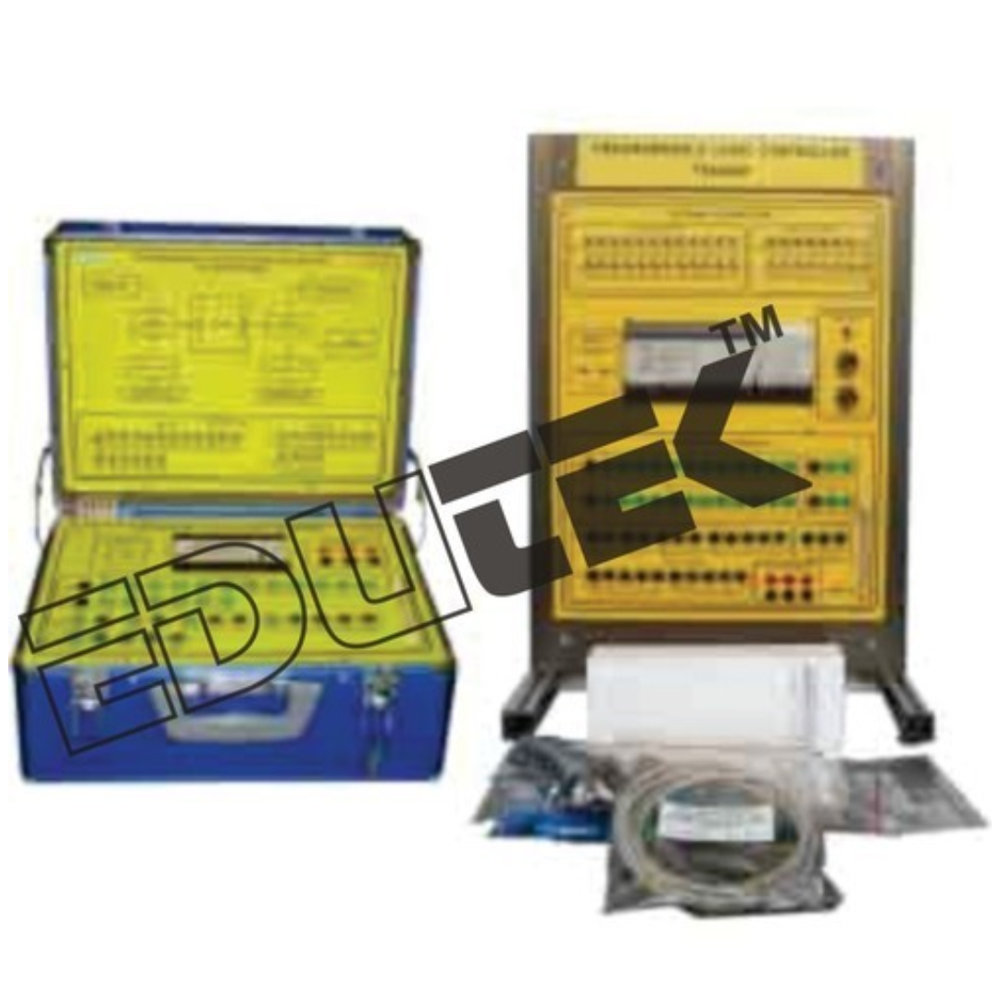
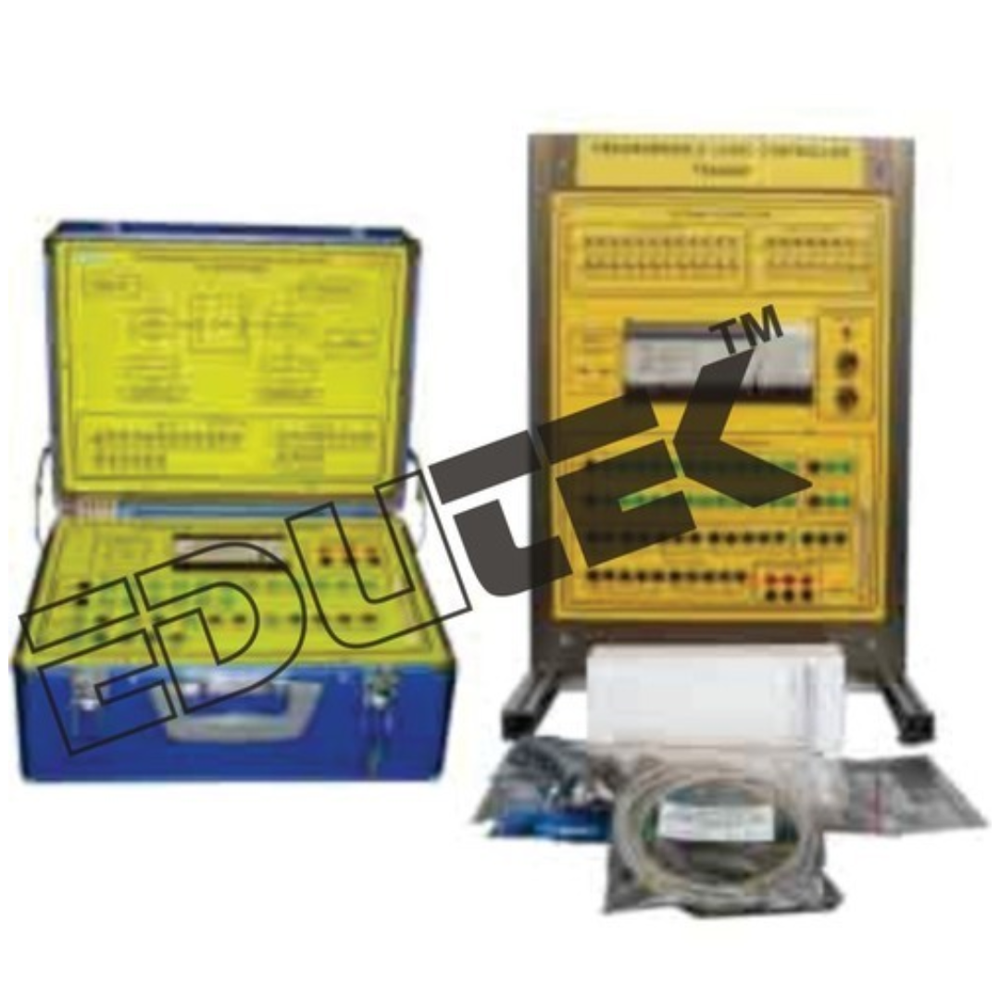
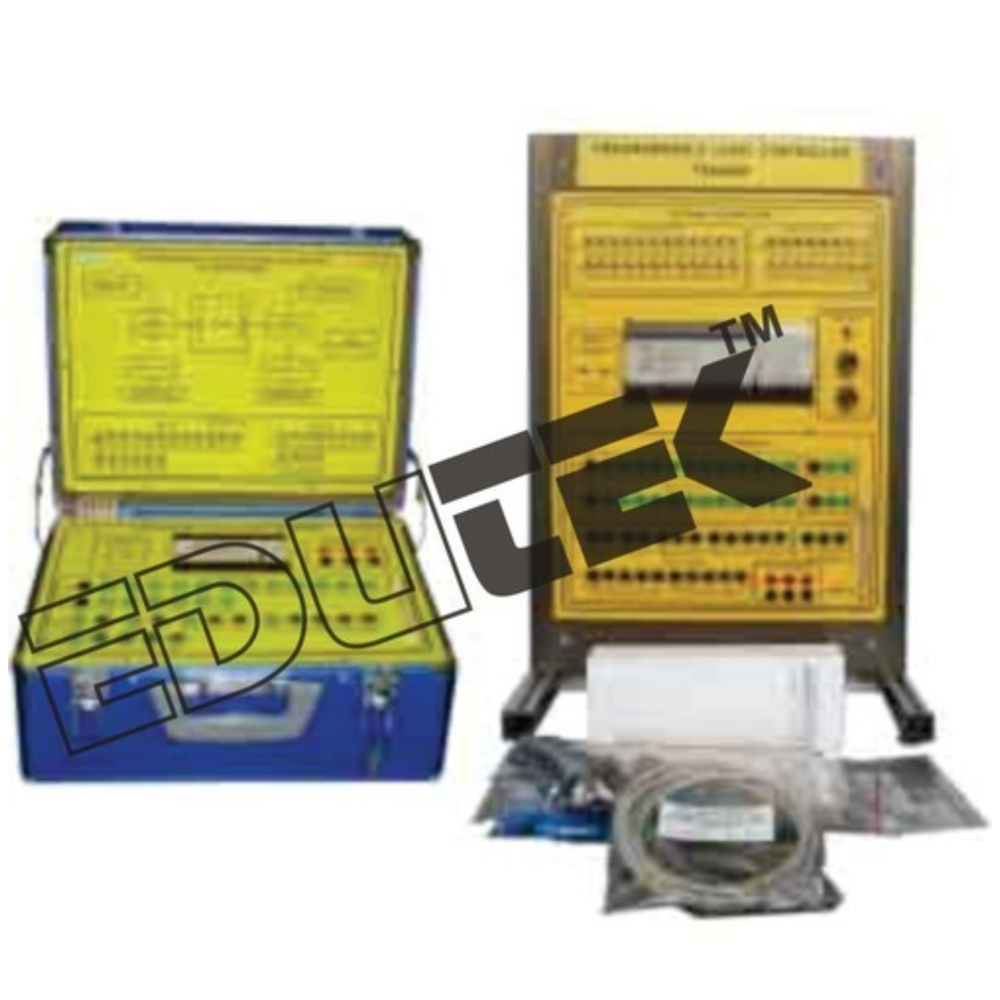
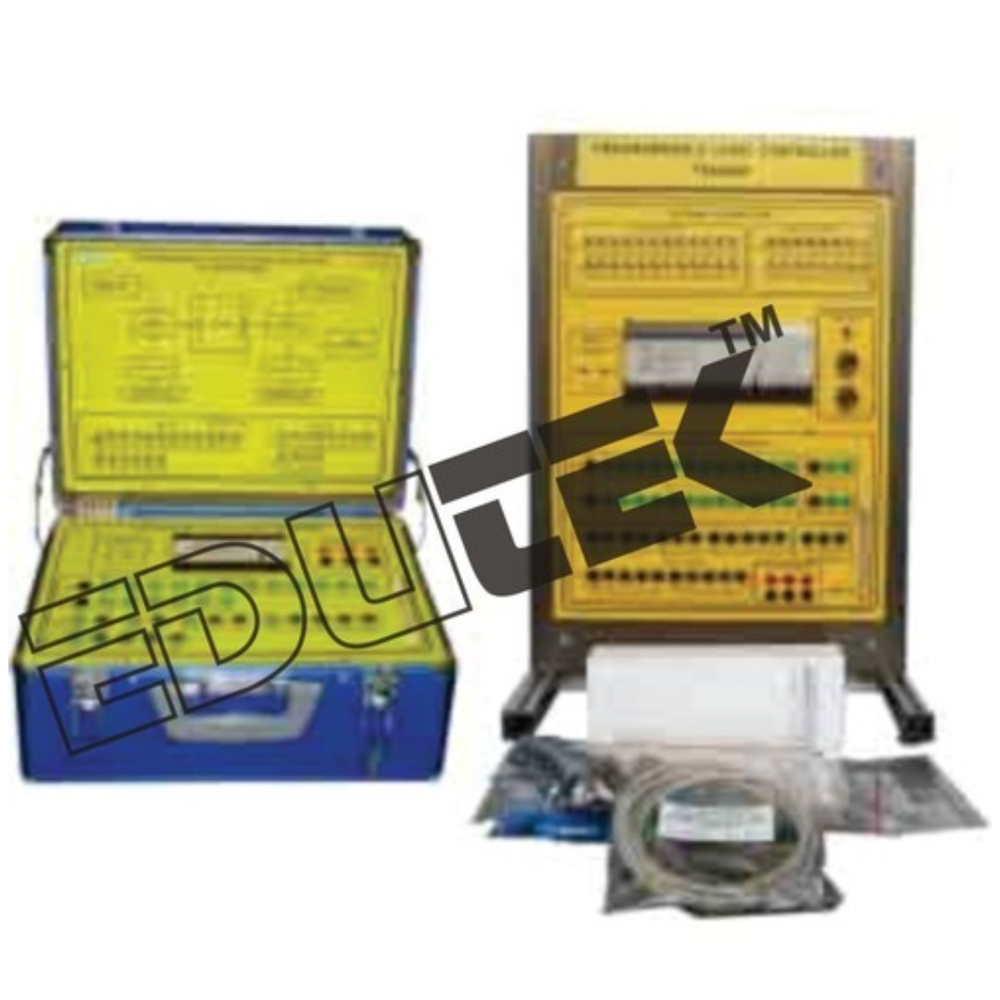
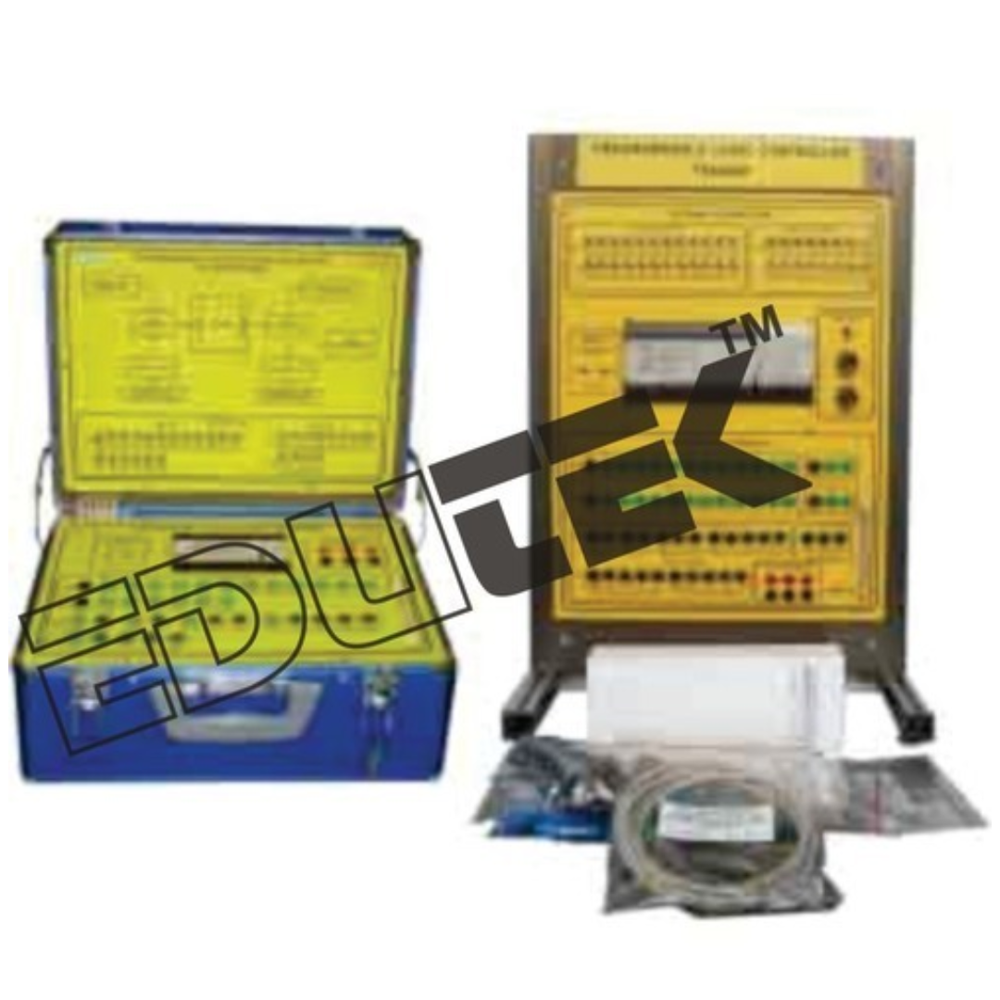
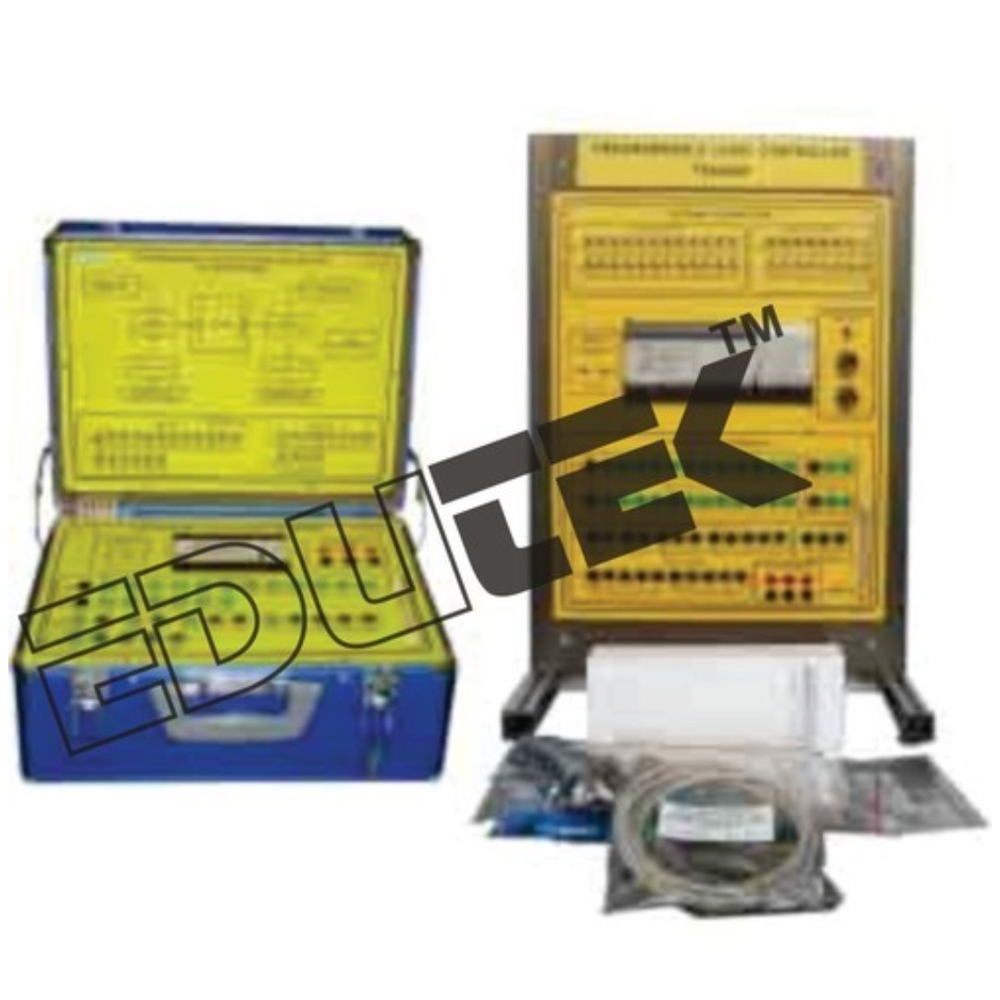
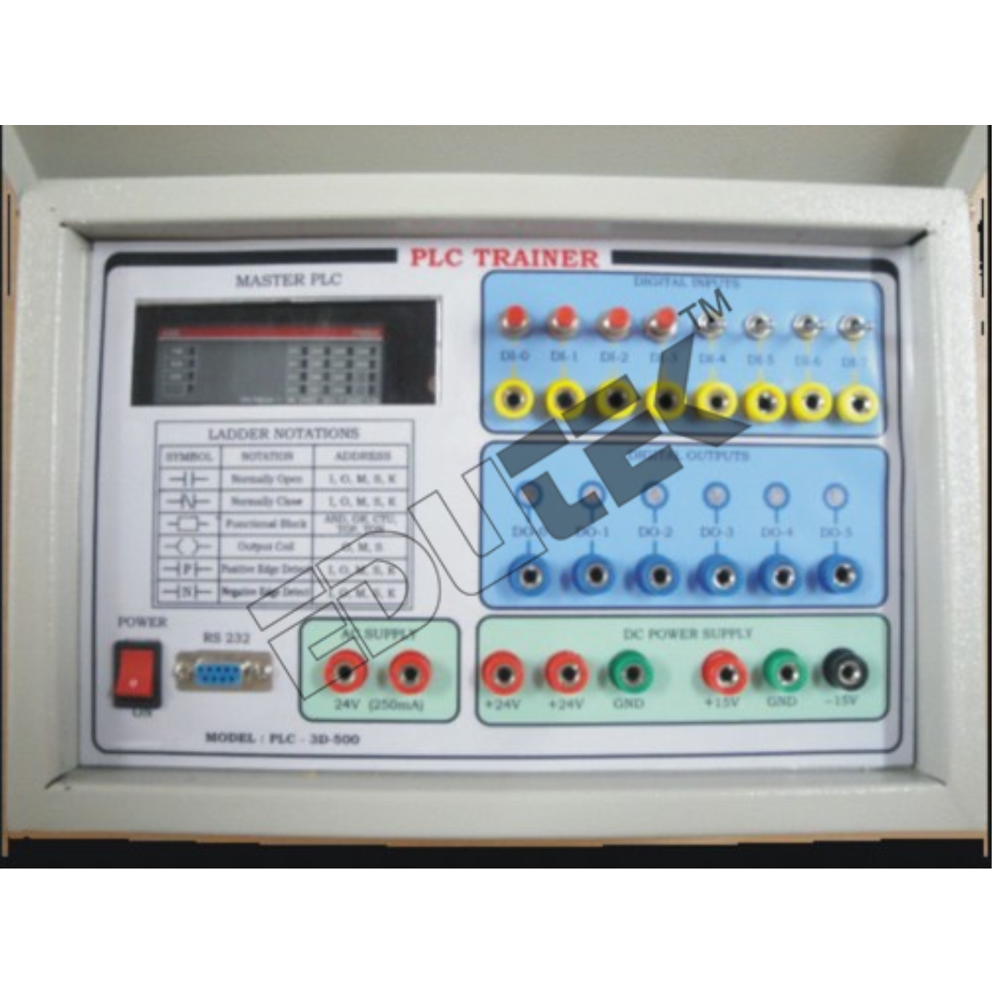
Programmable Logic Control Trainer
Edutek Instrumentation are the Best Manufacturer and Exporter Company in India Programmable Logic Control Trainer PLCThe experiments should be chosen to cover the topics
from basic familiarization of the PLC up to programming and
application.
Courseware:
The trainer should cover the following topics of experiments:
Specifications of Programmable Logic Control Trainer
1. Trainer requirements
The unit should be ideal to use with the applications board module for experimentation (using optional PLC application
modules)
The set should include software for programming via a PC (PC is optional item).
2. Components
Main voltage: 220/240 VAC, 50/60 Hz.
I/O: approx. 24 input switches, approx. 16 LED output indicators.
24 VDC Power supply
3. To come complete with comprehensive courseware.
4. Accessories:
- Set of connection leads.
- Handheld programmer
- 2 analog input and 1 analog output extension module.
- Experiment manual
Versatile Programming InterfaceThe PLC Trainer supports multiple programming methods including ladder logic, function block, and structured text. This versatility provides hands-on experience in various programming environments, enabling students and professionals to develop skills adaptable to industry requirements.
Extensive Input/Output OptionsWith 16 digital and 8 analog input/output ports, the trainer accommodates complex automation scenarios. Whether simulating a conveyor or traffic light system, this breadth of I/O channels enables diverse demonstrations of process control and automation.
Robust Safety and Simulation FeaturesEquipped with overload protection, ELCB, and real-time process simulation capability, the trainer ensures safe and accurate operation. These features make it an ideal choice for academic laboratories focused on practical learning with industry-standard safety.
FAQs of Programmable Logic Control Trainer:
Q: How is the PLC Trainer used in laboratory environments?
A: The PLC Trainer is used in laboratories to simulate industrial automation tasks, allowing users to practice programming, configuration, and real-time monitoring. Included accessories like patch cords and sample programs further simplify setup and facilitate hands-on learning sessions.
Q: What types of demo applications can the PLC Trainer simulate?
A: It can simulate scenarios like conveyor belt operations, traffic light control, motor automation, and safety monitoring. This variety helps learners understand real-world processes and the role of PLCs in managing complex automation systems.
Q: When should I expand the PLC Trainer system with additional modules?
A: Expansion is recommended when your projects require more input/output capacity or advanced functionality. The trainer supports modular additions, ensuring scalability for evolving laboratory or industrial requirements.
Q: Where can the PLC Trainer be installed for operation?
A: Designed as a portable desktop unit with dimensions of 540 mm x 430 mm x 170 mm and a weight of approximately 12 kg, it is suitable for laboratory benches, training rooms, and small-scale industrial setups.
Q: What is the process for programming and running simulations on this trainer?
A: Users connect the trainer to a Windows-based PC (XP/7/8/10), load sample programs or develop new ones using supported programming languages, and use RS232 or Ethernet for communication. Real-time simulation is enabled via the interface and observed through LED/LCD indicator displays.
Q: How does the PLC Trainer benefit users in industrial training?
A: It offers highly efficient, accurate control and simulation, allowing users to gain practical experience with automated processes and safety systems. This prepares trainees for real-world PLC deployment and troubleshooting tasks.




 Send Inquiry
 Send Inquiry

