About PROGRAMMABLE LOGIC CONTROL TRAINER PLC
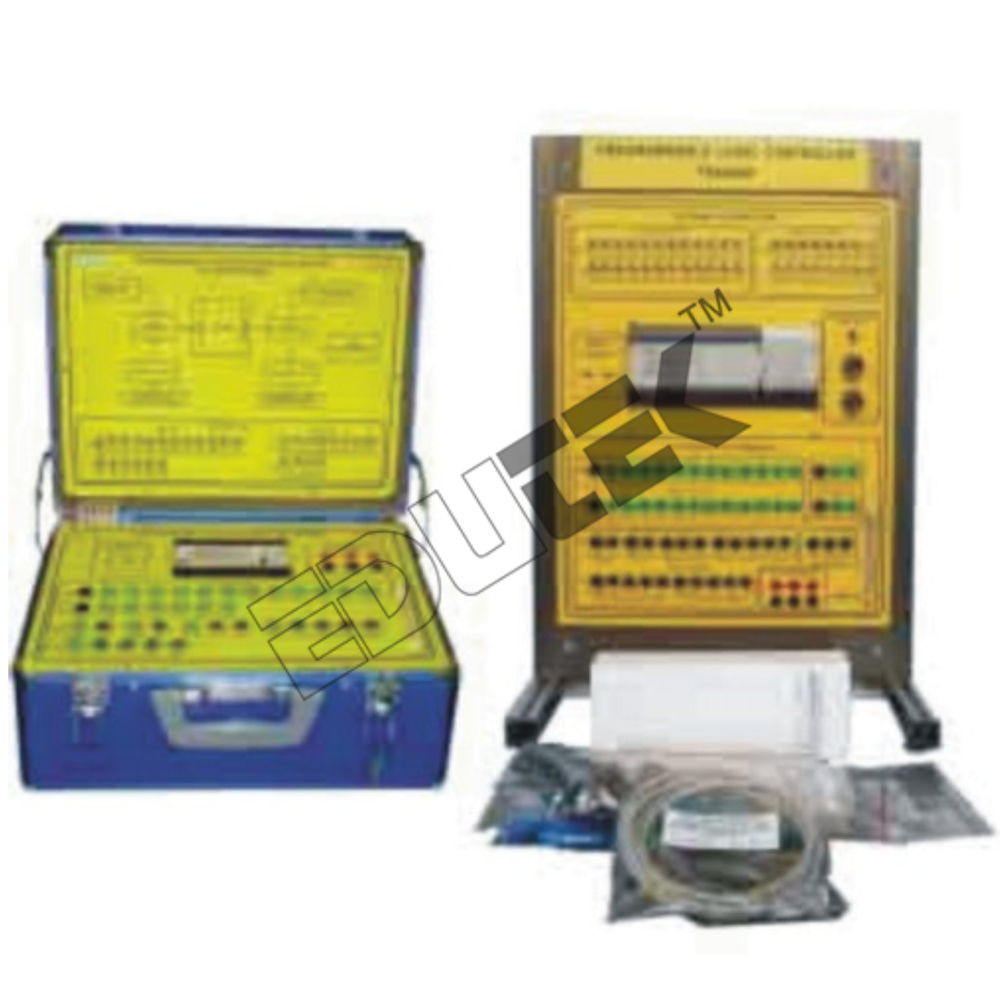
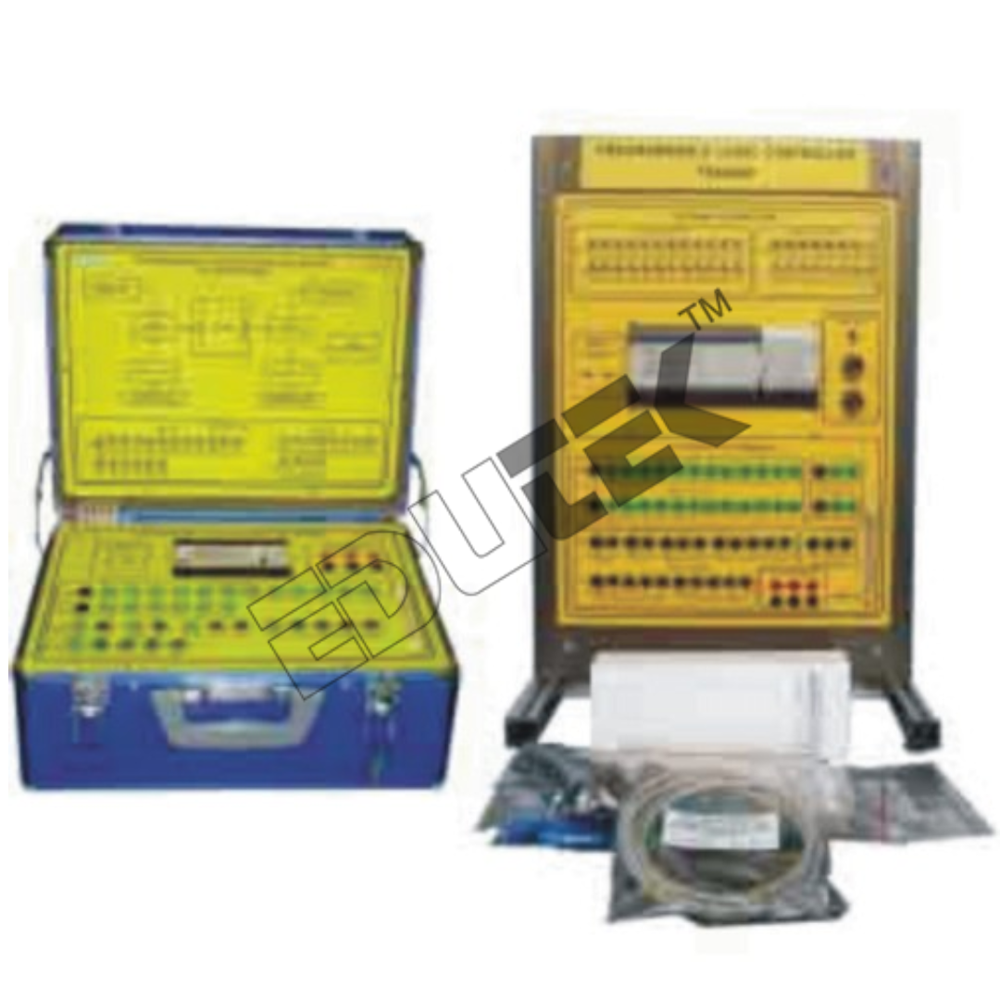
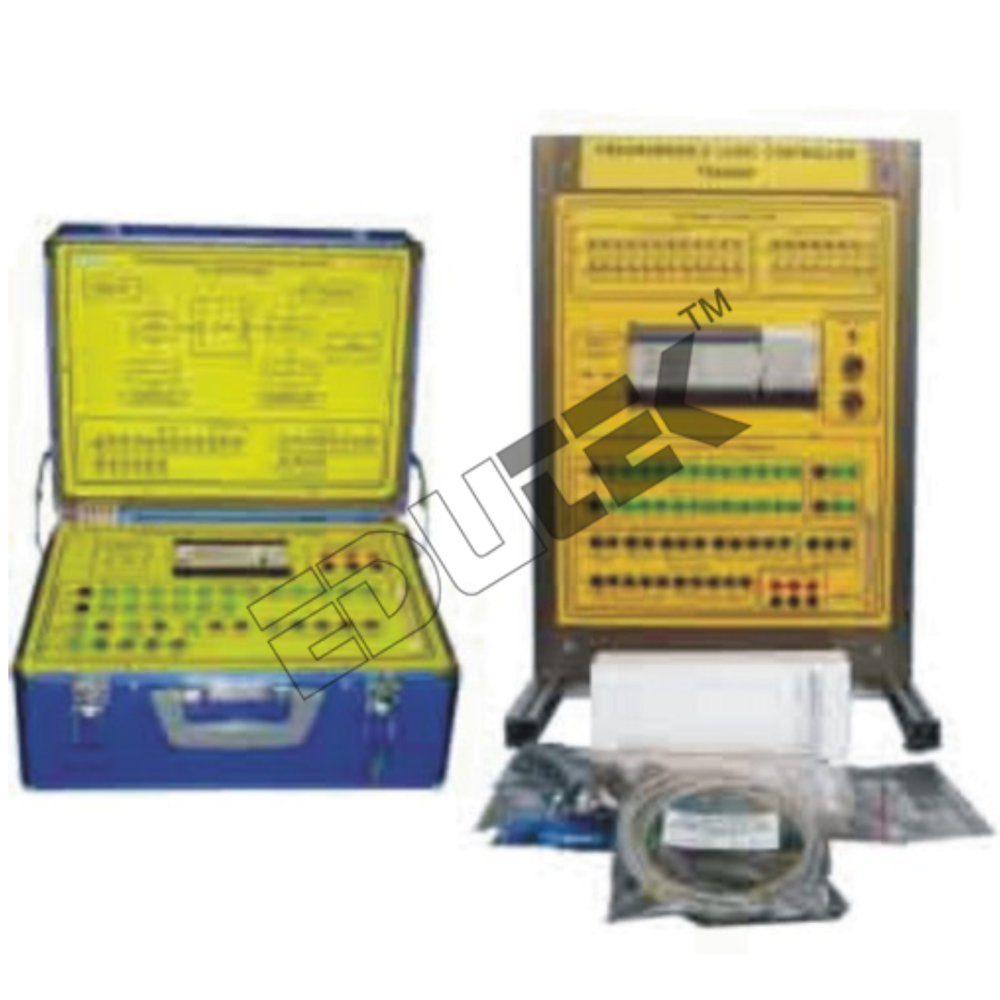
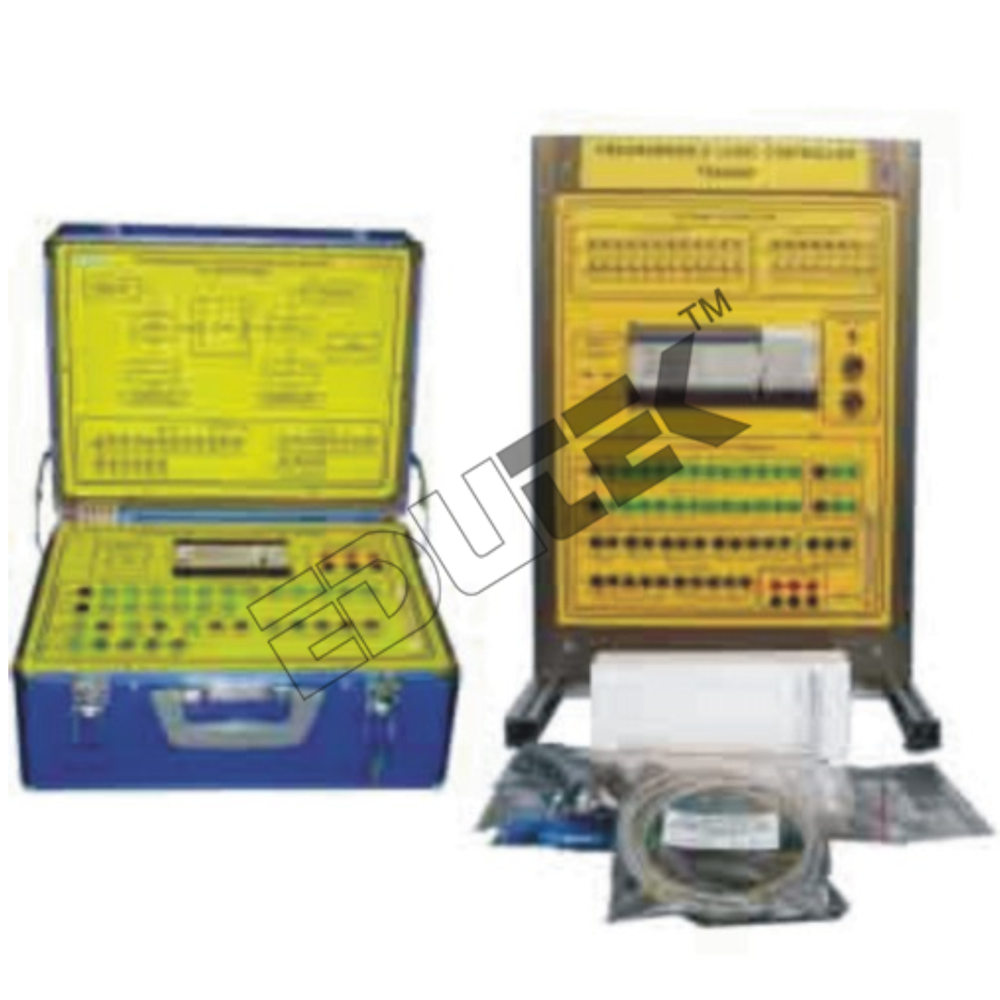
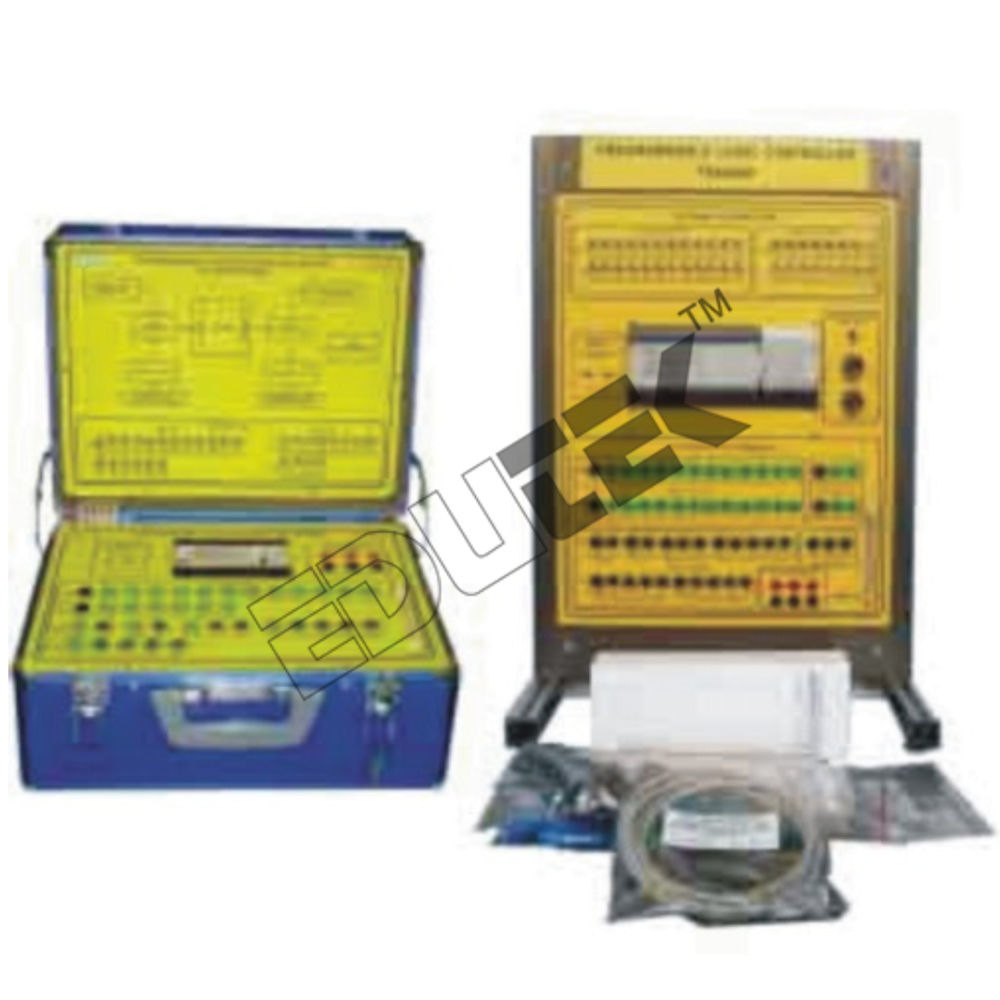
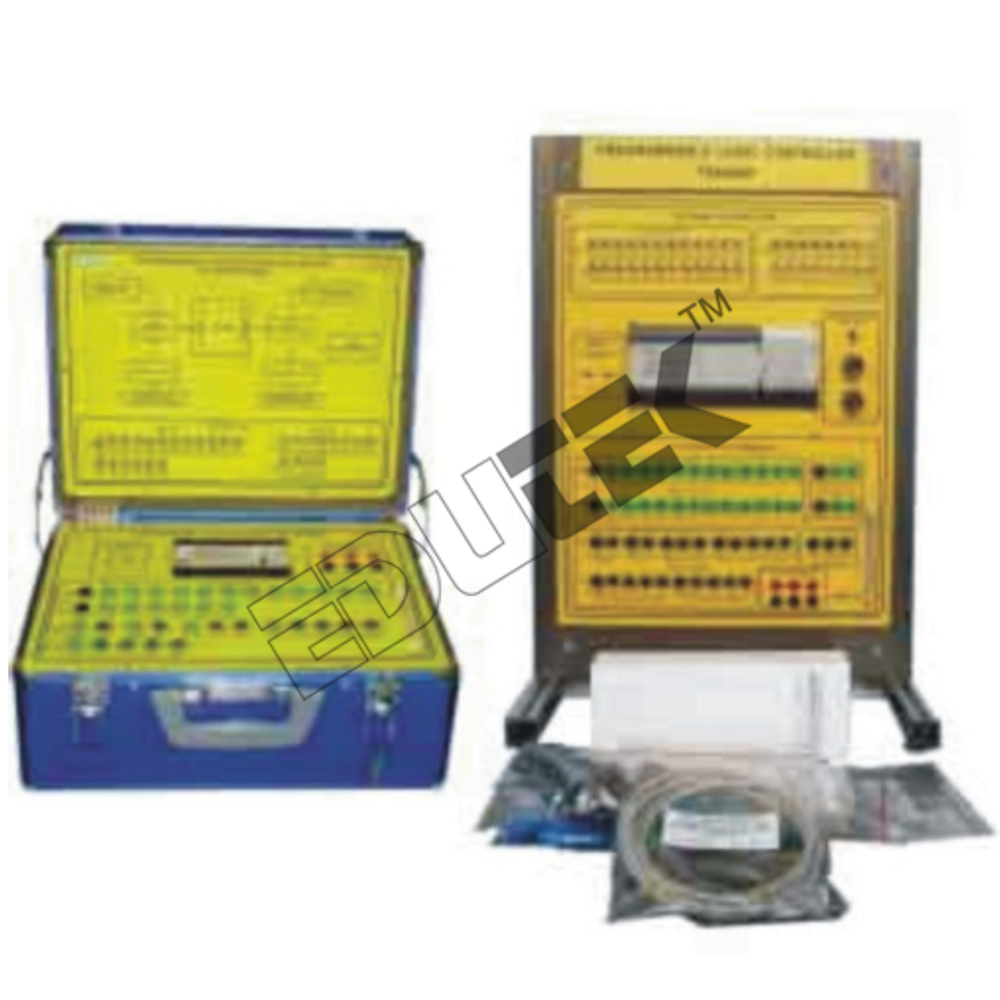
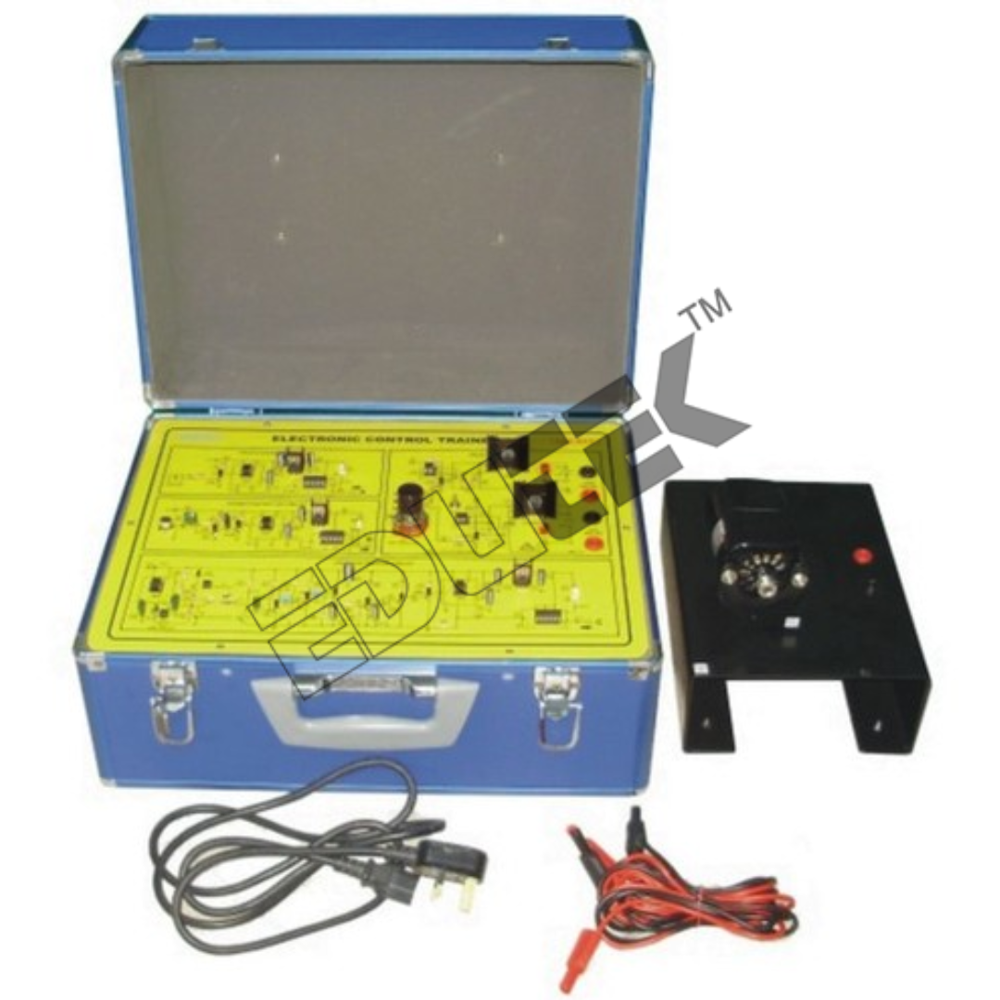
PROGRAMMABLE LOGIC CONTROL TRAINER PLC
The Programmable Logic Controller is an PLC product which is powerful and flexible systems ideally suited to your specialized needs. The system should be compatible with a variety of accessories and peripheral, thus allowing this versatile system to be easily expanded into larger systems. The experiments should be chosen to cover the topics
from basic familiarization of the PLC up to programming and application.
The trainer should cover the following topics of experiments:
- Basic operation of PLC trainer.
- PLC software.
- Introduce the PLC hardware, such as: power supply, inputs, outputs and RS 232 communications.
- PLC external I/O devices.
- Timer circuit (functions of timer instruction in PLC).
- Counter circuit (function of counter instruction in PLC).
- Box conveyor (timer and counter application).
- Keep instructions.
- Difu and Difd instructions.
- Difu and Difd application.
- Shift registers instructions.
- Overhead crane control application.
- Handheld programming console.
Specifications:
1. Trainer requirements
- The unit should features a larger capacity compact PLC with approx. 40 I/O points.
- The unit should be ideal to use with the applications board module for experimentation (using optional PLC application modules).
- The set should include software for programming via a PC (PC is optional item).
2. Components
- PLC Trainer 24 V/2A DC load rating, approx. 24 input and approx. 16 output 40 point I/O with LED Indication.
- Computer programming software with ladder diagram.
- Main voltage: 220/240 VAC, 50/60 Hz.
- I/O: approx. 24 input switches, approx. 16 LED output indicators.
- 24 VDC Power supply.
3. To come complete with comprehensive courseware.
4. Accessories:
- Set of connection leads.
- Handheld programmer.
- 2 analog input and 1 analog output extension module.
Comprehensive Training ExperienceThe PLC Trainer is engineered for thorough hands-on learning, offering a rich scope for programming, simulation, and troubleshooting. Equipped for both digital and analog channels and relay outputs, it facilitates real-time ladder logic exercises essential for laboratory and technical education.
Reliable Safety FeaturesAdvanced protections like overload/short-circuit safeguards and proper earthing are embedded, prioritizing user safety during operation. The robust design, combined with powder-coated MS enclosure, ensures durability and dependable performance in laboratory environments.
Efficient Connectivity & ControlFeaturing multiple connectivity optionsUSB, RS232, and RS485the trainer enables seamless interfacing with external devices and computers. The front-mounted control panel, with clear labelling and LED status indicators for each input/output, enhances usability and efficient workflow for users.
FAQs of PROGRAMMABLE LOGIC CONTROL TRAINER PLC:
Q: How can I use the PLC Trainer for programming and simulation?
A: You can program, simulate, and troubleshoot PLC logic directly using the included programming software and by connecting to the main unit via USB, RS232, or RS485. The trainer supports ladder logic exercises and allows you to observe real-time results through its indicator LEDs.
Q: What safety features are incorporated in the PLC Trainer to protect users and equipment?
A: The trainer is equipped with overload and short-circuit protection mechanisms, proper earthing, and industrial-grade components to ensure safe operation in laboratory settings and minimize risks.
Q: When is this PLC Trainer most beneficial for laboratory applications?
A: This trainer is best utilized during technical courses on automation, electrical engineering, and control systems, providing an accurate and interactive environment for practical PLC exercises and troubleshooting.
Q: Where should the PLC Trainer be installed or operated?
A: The device is designed as a portable table-top unit, ideal for laboratory benches. Its compact dimensions (600 x 400 x 200 mm) and manageable weight (approx. 15 kg) allow for easy relocation and setup within laboratory facilities.
Q: What is the process for connecting the trainer to a computer or PLC software?
A: Simply use the provided USB, RS232, or RS485 ports to connect your computer to the trainer, then install and launch the compatible PLC programming software. This interaction facilitates seamless code upload, simulation, and testing.
Q: How does the trainer accommodate different PLC brands such as Siemens, Mitsubishi, or Allen Bradley?
A: The trainer offers hardware and connectivity compatible with major PLC brands, ensuring flexibility in module selection and integration for diverse automation learning requirements.
Q: What are the main benefits of using the PLC Trainer for laboratory education?
A: Users gain hands-on experience in PLC programming, troubleshooting, and system simulation, with highly accurate measurements and instant feedback via LED indicators. The units user-centric design boosts efficiency and learning outcomes in technical training.




 Send Inquiry
 Send Inquiry

