About PIC PROGRAMMER
PIC PROGRAMMER
- The PIC programmer set has designed as a tool to allow Students and developers to program PIC Micro-controllers. It should be a powerful and flexible system that provides a user friendly environment to carry out a large variety of programming application tasks. The programmer should come complete with the development programming board and
- Programming Software.
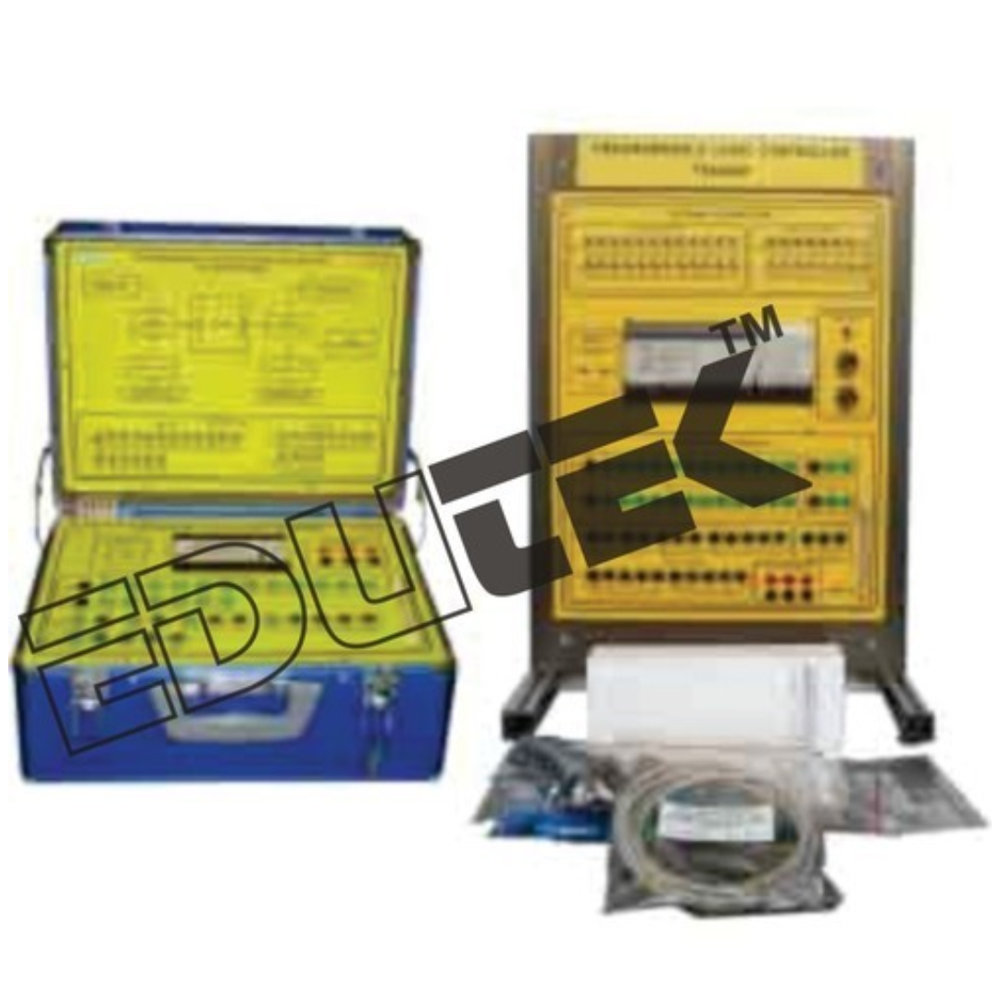
- The PIC programmer should be used for downloading a specific program for controlling the experiment modules such as, temperature control, speed control and traffic light control.
- The PIC programmer should uses USB/Serial port connection. The PIC programming software can be updated as new Pics are released.. The Programming software for PCs must work under Windows NT/2000/XP/7. The kit should be suitable for learning PIC design and programming of various PICs.
Included Experiment Modules:
- Engine Speed Control Module.
- Temperature Control Module.
- Traffic Signal Control Module.
The PIC-PROG2024 supports a broad spectrum of PIC microcontrollers, including 8, 16, and 32-bit variants, making it an ideal solution for laboratories, manufacturers, and educational settings. Its compatibility with MPLAB X IDE and custom software ensures flexibility and ease of use in diverse development environments.
User-Friendly Design and Reliable PerformanceEquipped with clear Power and Programming Status LED indicators, this programmer allows users to monitor operational status at a glance. The robust ABS plastic body, compact dimensions, and USB-powered operation ensure durability, portability, and convenience, even in demanding laboratory conditions.
Certified Safety and Efficient OperationEngineered to meet CE safety standards, the PIC-PROG2024 delivers reliable performance and guarantees user safety. Its automatic operation, highly efficient workflow, and 100% programming accuracy enable seamless microcontroller initialization and testing with minimal setup.
FAQs of PIC PROGRAMMER:
Q: How do I connect and use the PIC-PROG2024 programmer with my PIC microcontroller?
A: Simply connect the PIC-PROG2024 to your computer via the USB 2.0 port, then attach your PIC microcontroller using the ICSP interface. The status LEDs will indicate power and programming activity. Compatible with MPLAB X IDE and custom programmer software, you can easily begin programming your supported PIC10, PIC12, PIC16, PIC18, or eligible PIC32 model.
Q: What devices and software are compatible with the PIC-PROG2024?
A: This programmer supports a wide range of PIC microcontrollers, including 8, 16, and 32-bit models from the PIC10, PIC12, PIC16, PIC18, and select PIC32 series. It operates seamlessly with MPLAB X IDE and other custom programmer software, ensuring flexibility for various project requirements.
Q: When should I perform a firmware upgrade on the PIC-PROG2024 and how is it done?
A: Firmware upgrades are recommended when new device support or enhancements are released. To upgrade, simply connect the programmer to your PC via USB, follow the manufacturers firmware update instructions provided with your software, and use the USB interface for a quick and straightforward process.
Q: Where is the PIC-PROG2024 most effectively used?
A: Its efficient, accurate, and automatic operation makes the PIC-PROG2024 ideal for laboratory environments, educational institutions, manufacturing, and any setting that requires reliable programming of multiple PIC microcontroller variants.
Q: What benefits does using the PIC-PROG2024 provide over other programmers?
A: The PIC-PROG2024 delivers a highly efficient automatic workflow, precise programming (100% accuracy), universal support for a wide range of PIC chips, USB-powered convenience, durable CE-certified design, and easy-to-read LED status, ensuring superior utility and safety for frequent users.
Q: How does the programming status display work and what do the indicators show?
A: The programmer is equipped with dedicated LED indicators that display the power status and programming activity. The status LEDs inform users of operational readiness and alert them when programming is in progress, helping prevent errors and improving workflow efficiency.




 Send Inquiry
 Send Inquiry

