EDUTEK INSTRUMENTATION
GST : 06AEWPJ6896D1ZU

Call us
07313726362
Call us
07313726362


Price:
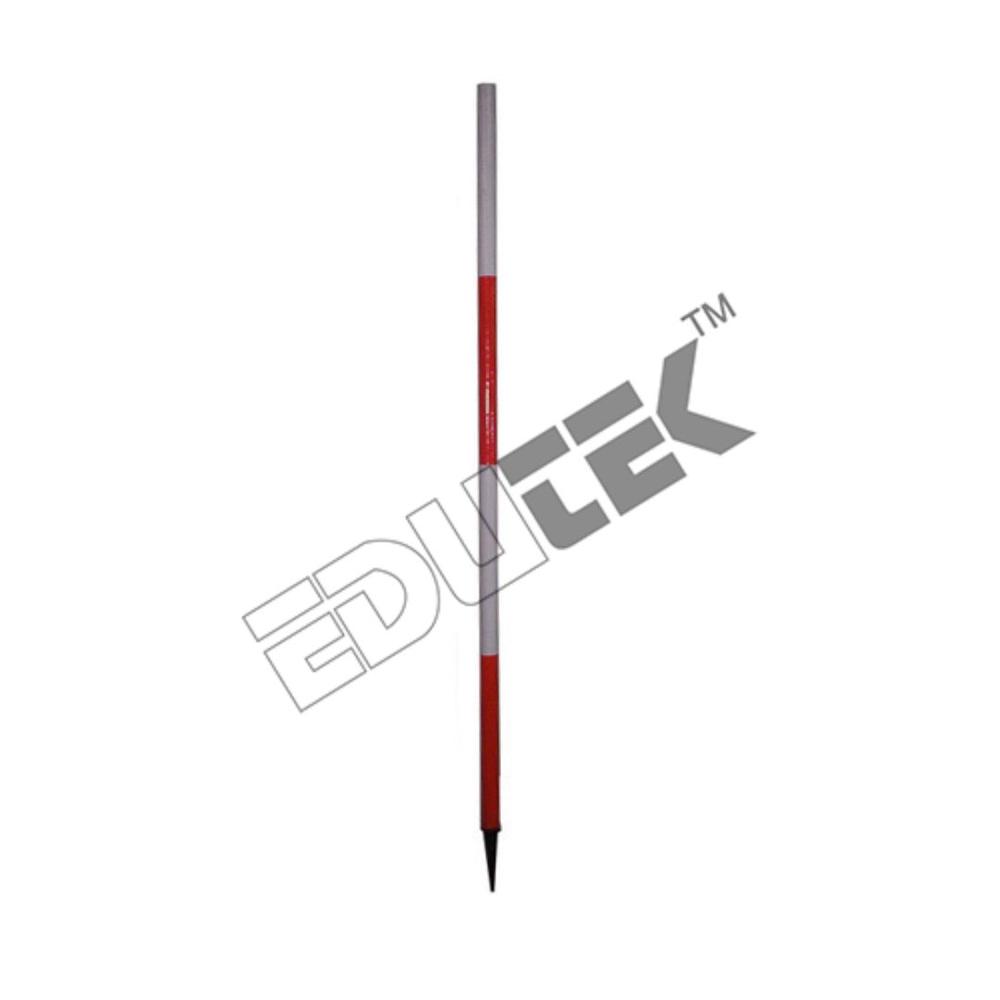
Price 300.0 INR / Piece
Minimum Order Quantity : 2 Pieces
Weight : 5001500 Grams (g)
Operate Method : Manual: Driven or held vertically into the ground over a survey point; its bright colors make it visible over long distances
Application : Chain Surveying, Establishing Straight Lines, Marking Survey Stations, Laying out Construction Sites
Material : Wood or Lightweight Metal (e.g., Aluminum or Steel tubing)
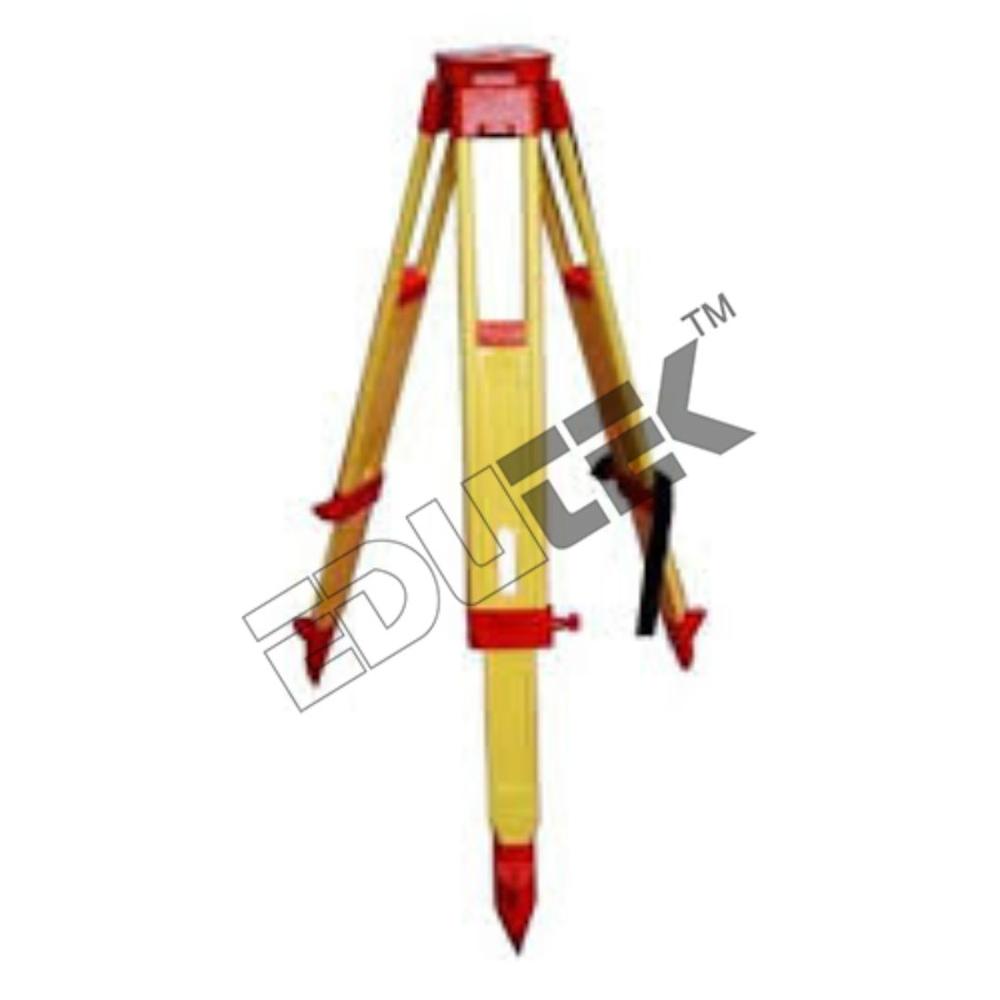
Price 500.0 INR / Piece
Minimum Order Quantity : 1 Piece
Weight : 6 Kilograms (kg)
Operate Method : Manual, adjustable legs with screw clamps
Application : Surveying, Construction, Civil Engineering Fieldwork
Material : Seasoned Hardwood with Aluminum/Brass Fittings
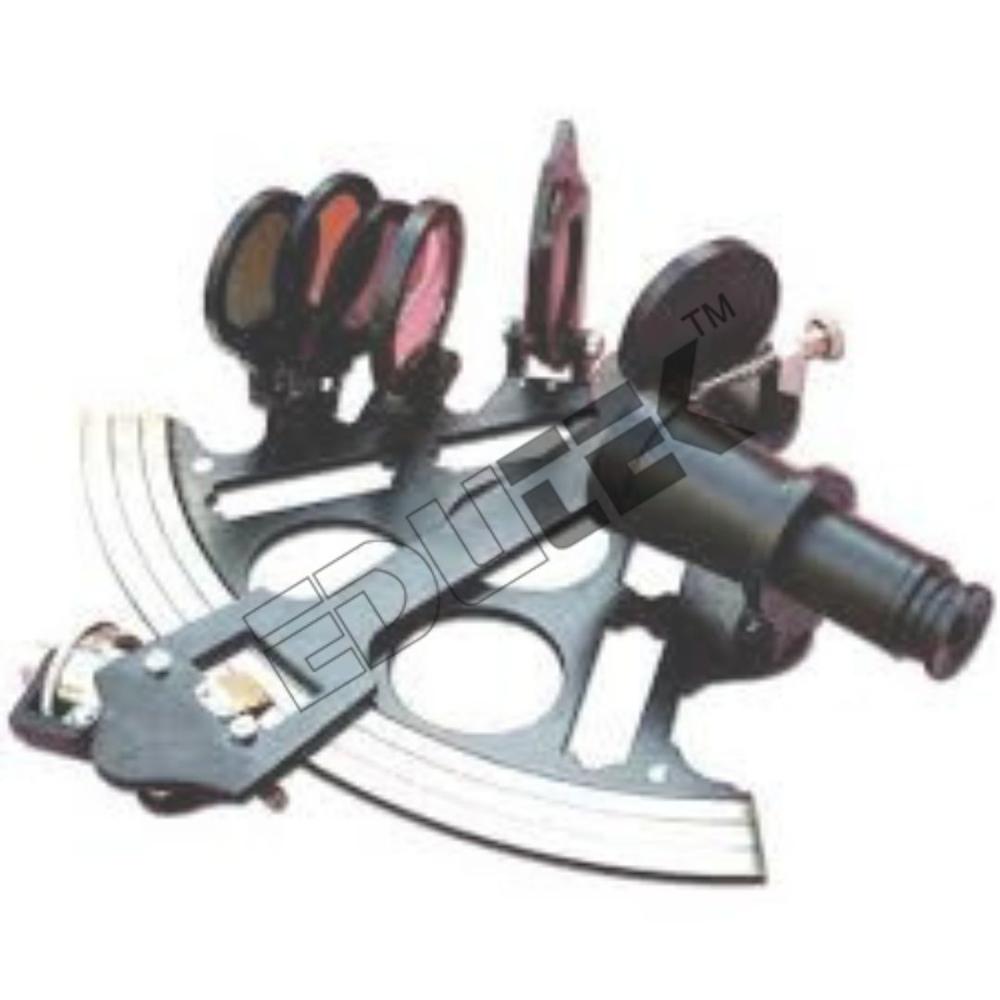
Price 1350.0 INR / Piece
Minimum Order Quantity : 1 Piece
Weight : 8001500 Grams (g)
Operate Method : Manual/Optical: Uses mirrors and filters to bring the image of a celestial body down to the horizon; angle is read directly from the main scale (arc) and micrometer drum/vernier
Application : Marine Navigation, Celestial Navigation, Educational Demonstration, Surveying (historical/specialized angle measurement)
Material : Brass or Aluminum Alloy (Frame/Arc), Glass (Mirrors/Filters/Telescope)
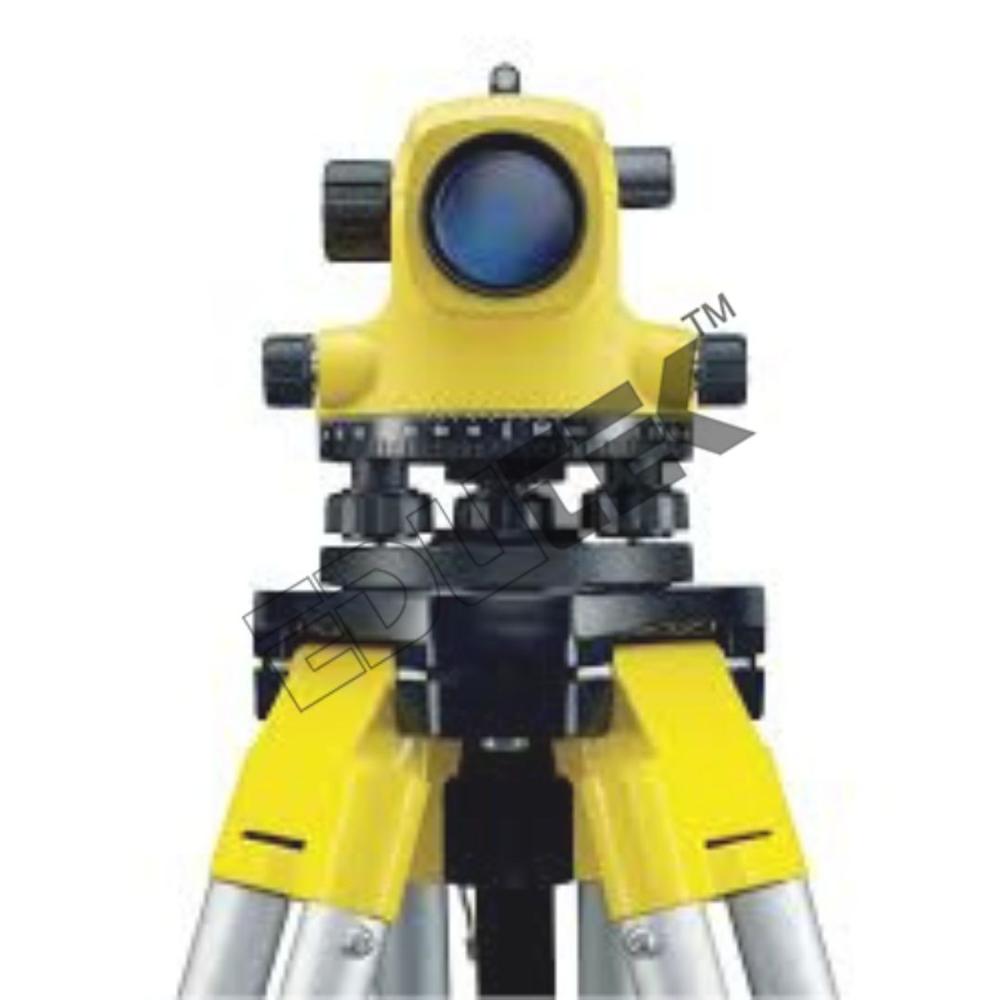
Price 1950.0 INR / Unit
Minimum Order Quantity : 1 Unit
Weight : 1.52.0 Kilograms (kg)
Operate Method : AutoCompensating: Uses leveling screws for approximate setup; an internal magneticdampened compensator automatically selflevels the line of sight
Application : Civil Engineering, Construction Site Leveling, Foundation Layout, Grading, Quality Control, Land Surveying
Material : Durable Diecast Metal Alloy (Casing), Precision Glass (Optics), Highly Stable Compensator Components

 Send Inquiry
 Send Inquiry

