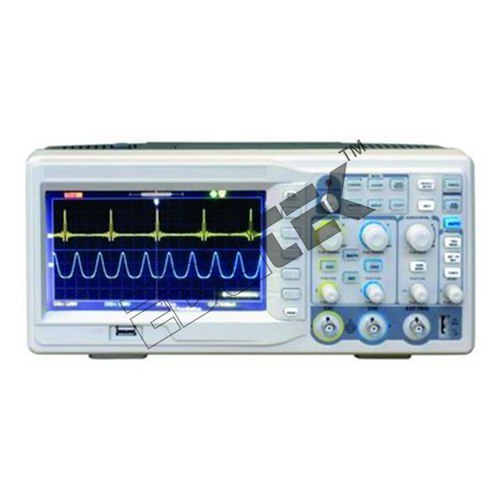
About DSO 70 MHZ 2 CHANNEL SAMPLING RATE 1GS/S (COLOR LCD DISPLAY)
Specifications:
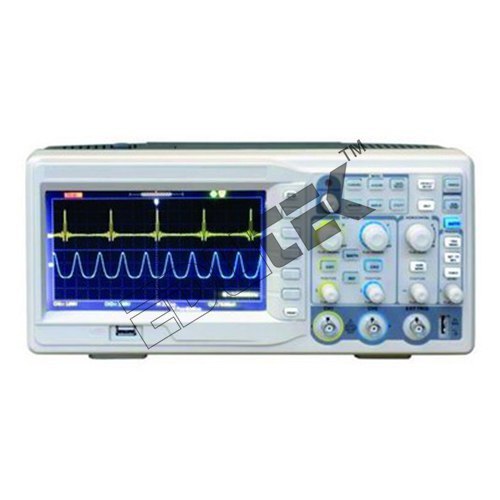
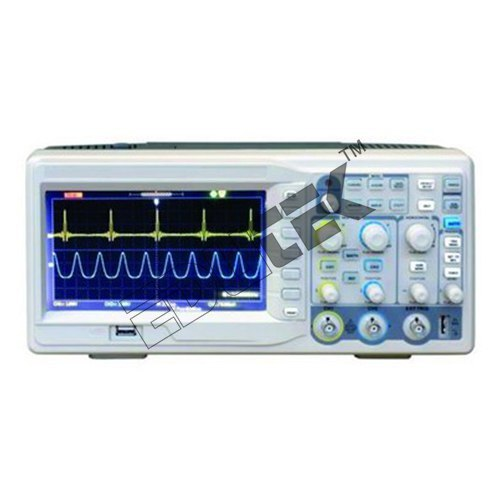
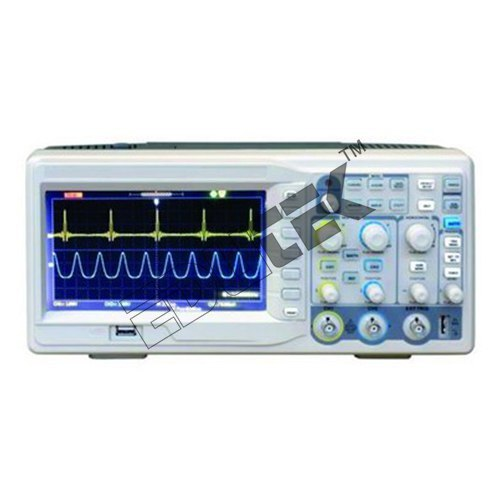
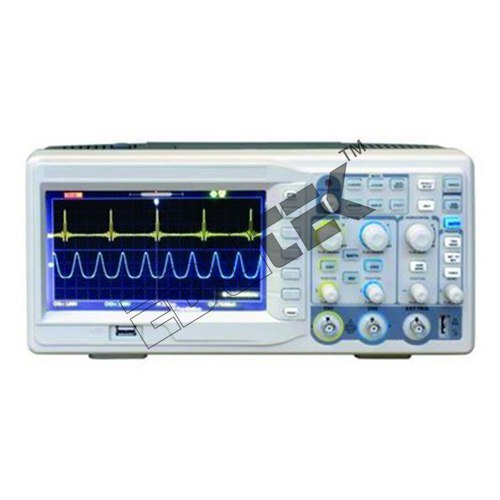
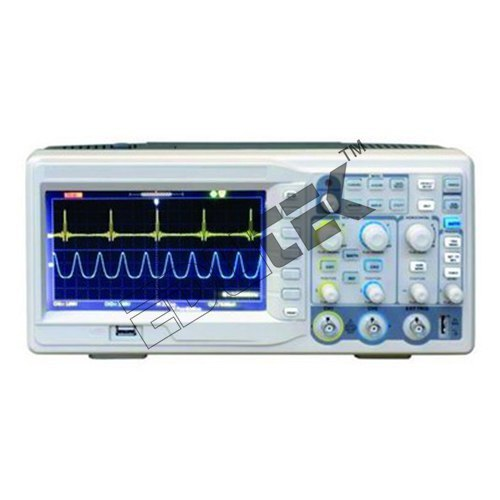
DSO 70 MHZ 2 CHANNEL SAMPLING RATE 1GS/S (COLOR LCD DISPLAY)
Bandwidth: 70 MHz
Channel: 2
Real Time Sample: 1 Gs/S
Memory Depth: 40 k
Rise time: 1.7ns
Time base accuracy 50ppm, Volts/DIV
Range: 2mv/ div-5v/div
Input Impendence: 1m
For Voltage measurement, Temperature, Impedance, electricPower, frequency etc.
Versatile Signal Analysis for Professional UseThis digital oscilloscope is tailored for modern engineering laboratories, research facilities, and educational environments. Its wide 70 MHz bandwidth and robust 1 GS/s sampling rate make it suitable for analyzing a variety of electronic signals. Whether used in testing, design validation, or troubleshooting, the scope delivers reliable performance with easy operability and comprehensive measurement options.
Intuitive Operation with Advanced DisplayA vivid 7-inch color LCD with 800x480 resolution provides clear, detailed waveforms. The intuitive interface, coupled with auto measurement and setup functionality, speeds up the analysis process. Onscreen cursors, built-in math functions, and multi-trigger types enable users to conduct thorough signal investigations efficiently.
Connectivity and Data Management SimplifiedEquipped with USB and LAN interfaces, the DSO allows seamless data transfer, PC connectivity, and waveform storage (up to 10 waveforms). Its compact, mains-powered design supports both portability and long-term bench use, making it an essential tool for engineers tackling diverse signal analysis tasks.
FAQs of DSO 70 MHZ 2 CHANNEL SAMPLING RATE 1GS/S (COLOR LCD DISPLAY):
Q: How do I use the auto setup function on the DSO 70 MHz oscilloscope?
A: The auto setup function automatically detects the input signal parameters and configures the vertical, horizontal, and trigger settings for optimal waveform display. Simply press the Auto Setup button, and the oscilloscope will adjust itself to provide a clear, stable signal readout.
Q: What types of signals can the DSO 70 MHz 2 channel oscilloscope analyze?
A: With its 70 MHz bandwidth and 1 GS/s sampling rate, this oscilloscope can analyze analog and digital signals common in engineering and electronics equipment, including audio, video, pulse, and transient waveforms.
Q: When should I use the math functions provided by the oscilloscope?
A: Math functionssuch as addition, subtraction, multiplication, and divisionare used to compare and analyze two input signals or channels. Use them when signal relationships, differences, or summations need to be observed for validation, troubleshooting, or educational purposes.
Q: Where can stored waveforms be accessed or managed?
A: Stored waveforms can be accessed directly from the oscilloscopes internal memory (up to 10 waveforms) via the display menu. For further analysis or archiving, waveforms can be transferred to a PC through the USB or LAN ports.
Q: What process should I follow to connect the oscilloscope to a PC?
A: Connect the oscilloscope to your PC using the provided USB or LAN interface. Make sure the proper drivers and compatible data acquisition software, as indicated in the user manual, are installed to enable seamless data transfer and remote control.
Q: How does the oscilloscope benefit engineering electronics equipment testing?
A: It provides precise, real-time signal visualization and measurement, facilitating fast troubleshooting, design verification, and instructional demonstrations. The variety of trigger options, measurement aids, and data management features streamline workflow and enhance accuracy.




 Send Inquiry
 Send Inquiry

